Blog
-

How to Compare Fathom Costs with a File Transcription Plan
Compare eligible workflows, free options, minimum seats, annual commitments and used audio hours. Work through transparent Fathom and file transcription cost examples.
-

How to Get Google Meet Recording Captions Without Mistaking Chat for Speech
Find Google Meet recorded captions, distinguish playable chat SBV files from spoken transcripts, and check the recording, selected text and playback result.
-

How to Add YouTube Subtitles Without Throwing Away Timing You Already Reviewed
Choose timed uploads or transcript synchronization for YouTube subtitles. Preserve reviewed cue timing, understand automatic captions, and check the selected published track.
-

How to Get Zoom Recording Captions and Keep the Transcript You Reviewed
Find Zoom cloud transcript and caption files, check native playback and language options, and preserve reviewed wording when downloading or regenerating text.
-

How to Choose a Notes AI for Research You Can Trace Back to Its Sources
Choose a research notes AI by source scope, citation paths and export checks. Compare documented workflows and test a small evidence chain before trusting…
-

How to Get Riverside Subtitles That Match Your Final Edit
Choose the full-recording or edited Riverside SRT download, keep caption styling separate, and check subtitle wording and timing against the final media version.
-

How to Summarize a News Interview Without Turning Claims into Facts
Keep firsthand observations, approximate recollections, secondhand reports and unanswered questions distinct in a news interview summary, with traceable source claims.
-

How to Summarize a Livestream Replay Without Losing Later Corrections
Keep later corrections, speaker roles and source cutoffs visible in a livestream replay summary. Distinguish the final announcement from an earlier excerpt or viewer…
-

How to Summarize a Tutorial Video Without Losing Its Conditions
Keep prerequisites, optional branches, visual warnings and preview checks when summarizing a tutorial video. Separate a learning overview from instructions to execute.
-

How to Summarize a Support Call Without Inventing a Resolution
Preserve the customer report, attempted fixes, partial results and unresolved follow-up when summarizing a support call. Keep promises separate from completed actions.
-

How to Fix a Transcript Split into Short Lines Without Losing the Words
Reflow a transcript into readable paragraphs while preserving speaker turns, literal time references, identifiers and hyphens. Separate visual wrapping from stored line breaks.
-

How to Summarize a Focus Group Without Inventing Consensus
Create a focus group summary that separates participants from turns, conditions from agreement and moderator prompts from evidence. Keep claims traceable to the discussion.
-

How to Make an Oral History Transcript Searchable Without Rewriting Its Names
Build searchable oral history text that retains names, prompts and uncertainty. Test accented names, ambiguous words and passage boundaries with a controlled example.
-

How to Fix Garbled Subtitle Text Without Losing the Original Characters
Diagnose garbled SRT or VTT characters, distinguish a wrong decoding from lost text, and verify a repaired copy without changing subtitle timing.
-

How to Clean Up a Language Lesson Transcript Without Erasing Learner Attempts
Keep learner attempts, teacher models and retries separate when editing a language lesson transcript. Build readable notes without silently correcting the record.
-
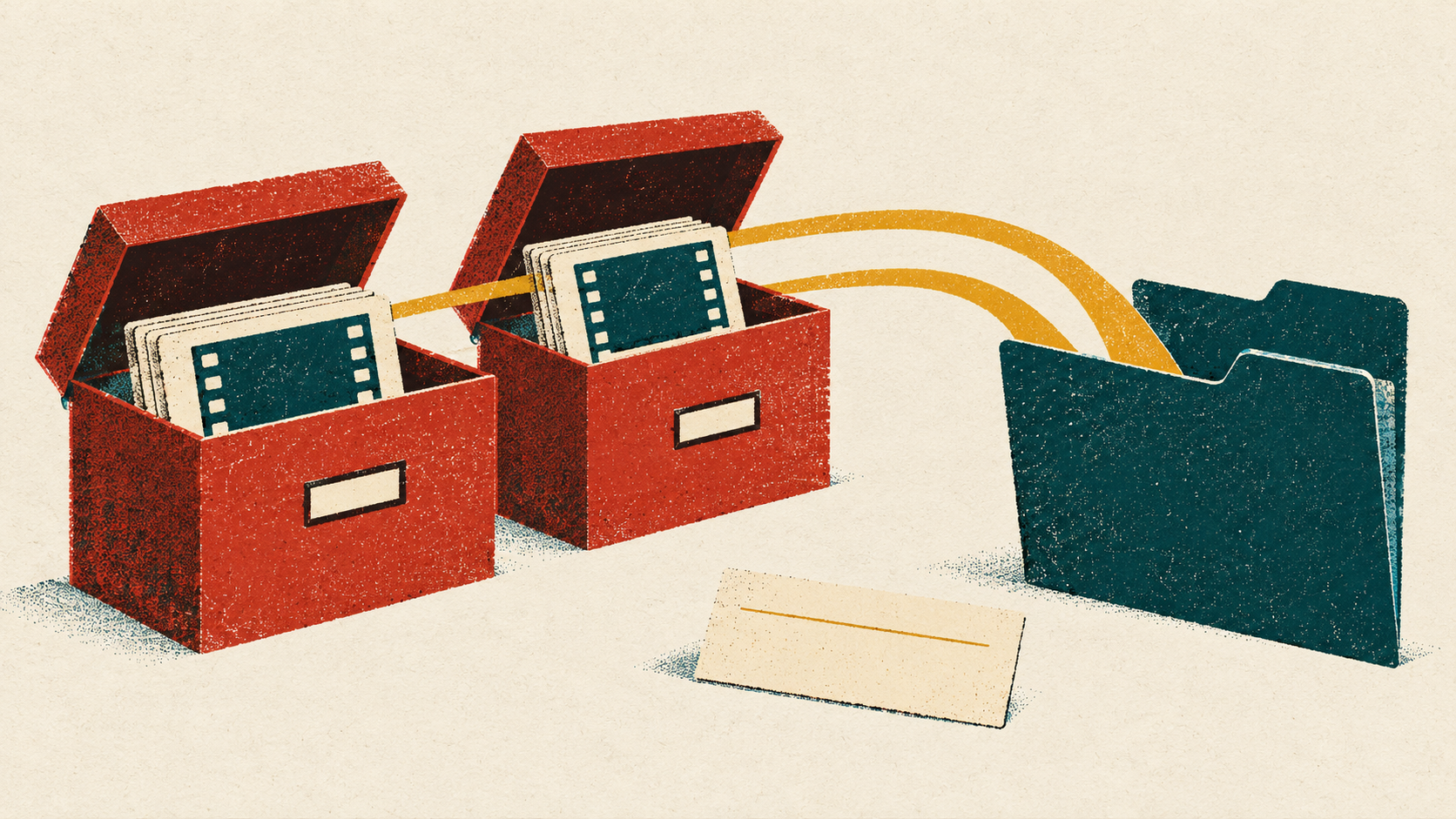
How to Download Your Own YouTube Videos for Transcription
Use YouTube Studio or Google Takeout to obtain your own video source, preserve archive members and keep caption downloads separate before reviewing the transcript.
-

How to Save a Browser Screen Recording Before Transcription
Finish and save the complete browser recording before transcription. Understand final media data, recording chunks, preview links and checks on the actual exported source.
-

How to Export an Existing Discord Recording for Transcription
Find the actual Discord media before transcription. Distinguish saved Clips, voice messages, attachments and account data, then check voice content and excerpt coverage.
-
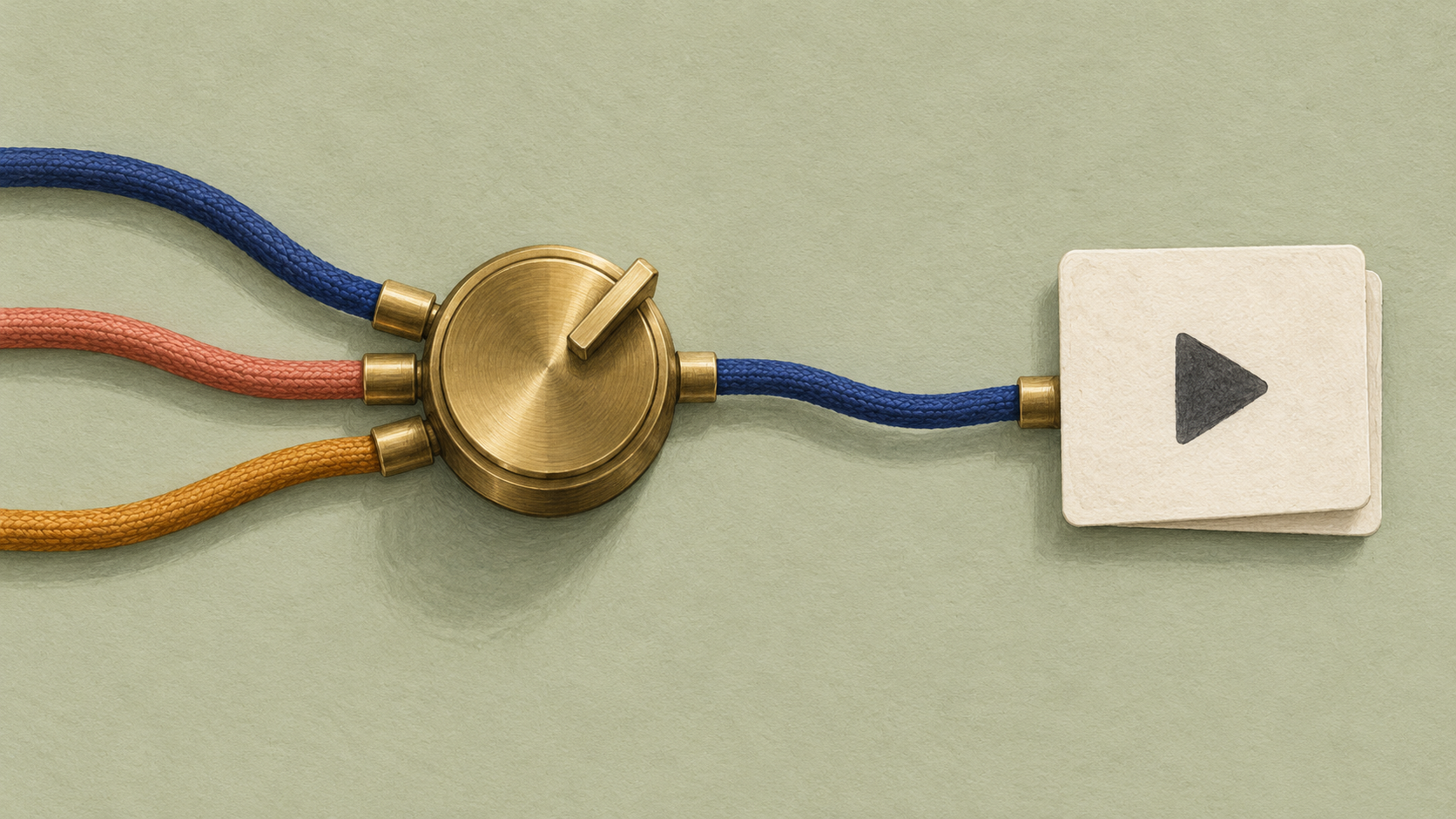
How to Export a Vimeo Video for Transcription in the Right Audio Language
Choose the intended Vimeo audio language before transcription. Distinguish player settings, language-specific downloads, alternate audio streams and caption text.
-
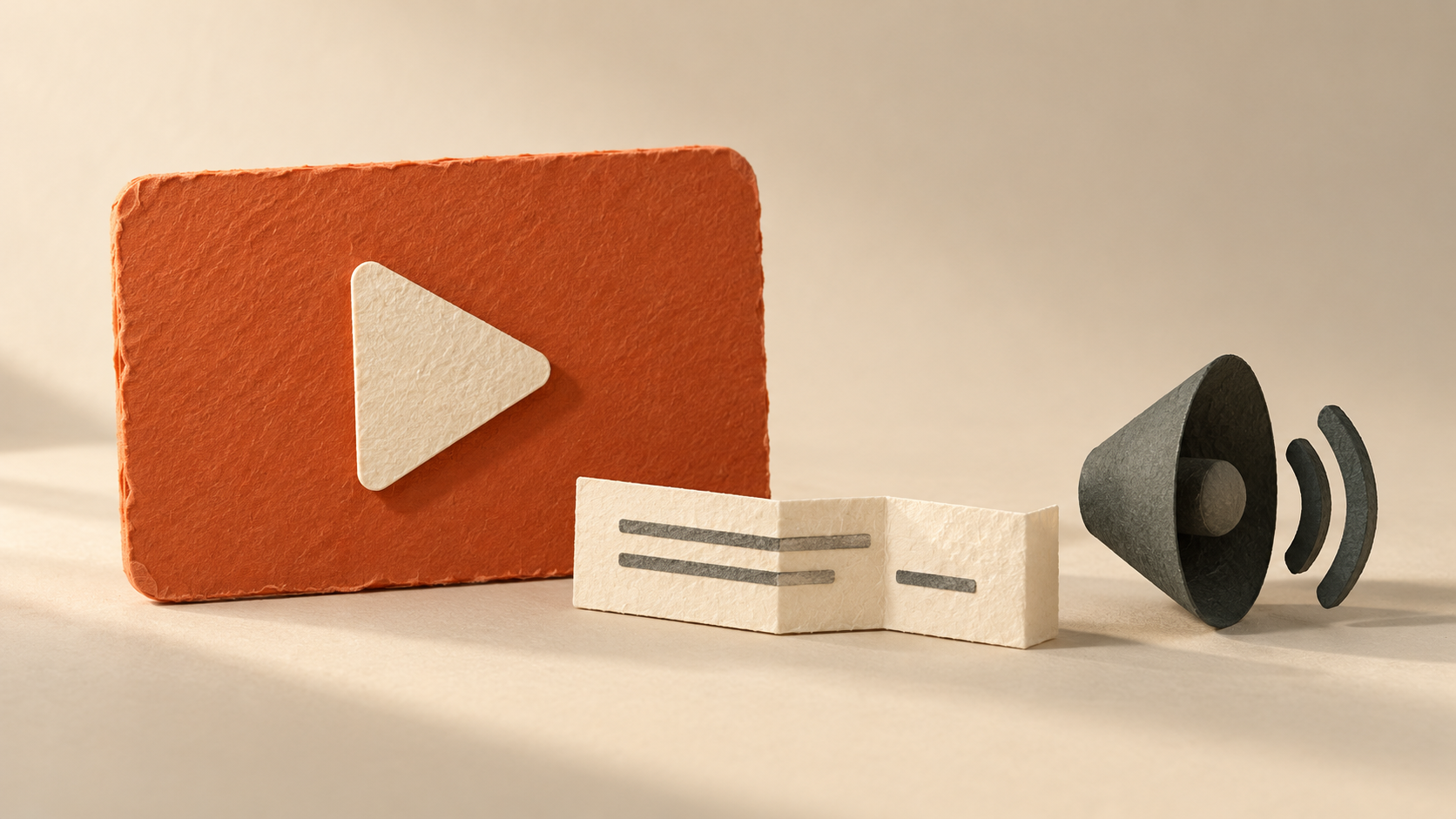
How to Export a Loom Video for Transcription and Keep Captions Separate
Download the right Loom MP4, retain captions separately and verify the actual sound. Understand why player features, transcript text and audio are different artifacts.
-
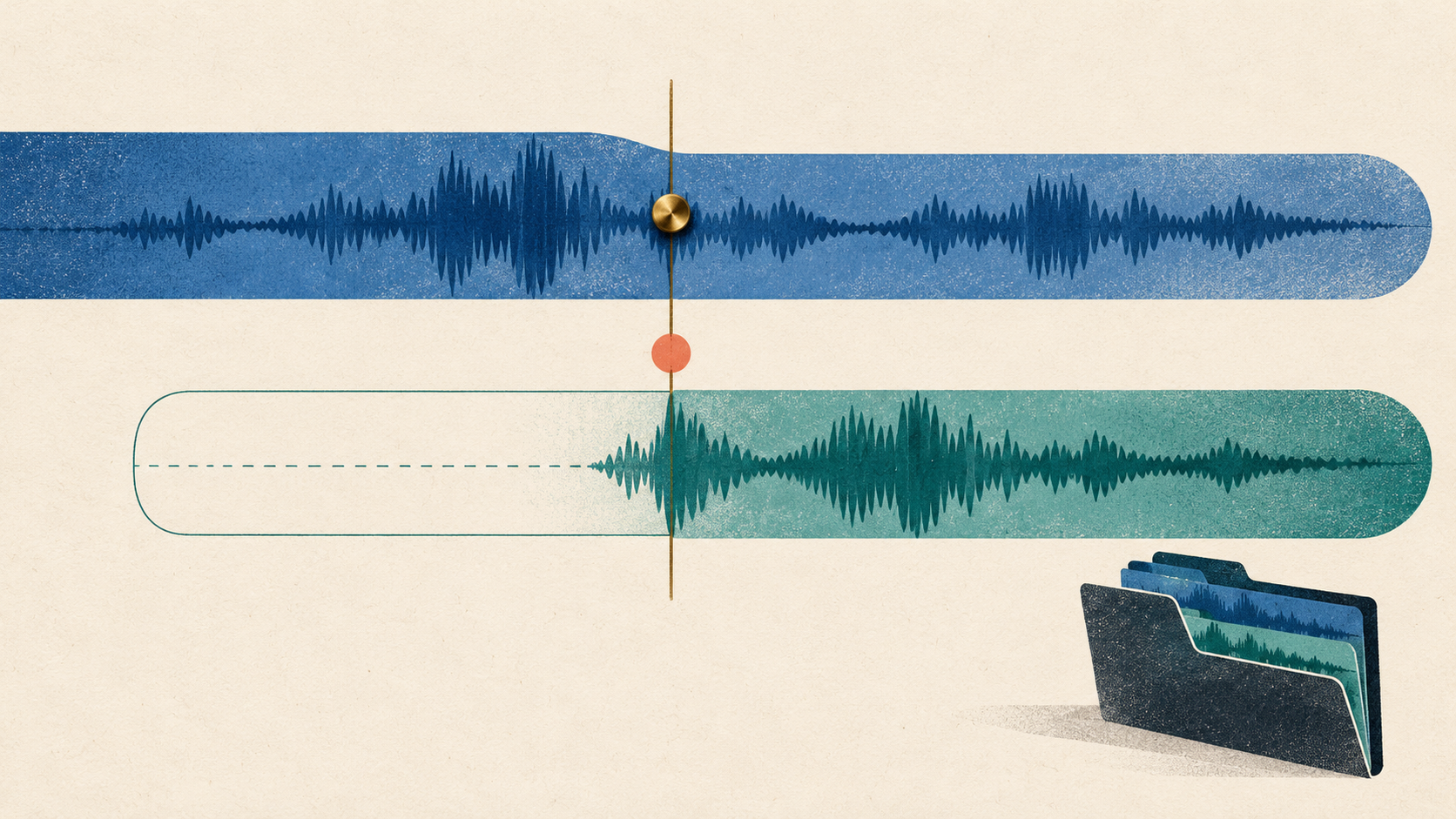
How to Export Riverside Recordings for Transcription Without Losing Track Alignment
Choose Riverside raw tracks, aligned files or an edited export for transcription. Check participant coverage, upload readiness and the timeline each transcript uses.