Blog
-

Grok Audio Transcription: From File Uploads to Verifiable Design Review Notes
Compare Grok audio attachments with the speech-to-text API, prepare long transcripts, preserve speaker references, and verify decisions against the recorded discussion.
-

Gemini Audio Transcription: Handle Long Recordings and Build Summaries You Can Check
Choose a supported Gemini audio route, prepare long recordings or reviewed transcripts, preserve speakers and times, and verify summaries against source evidence.
-
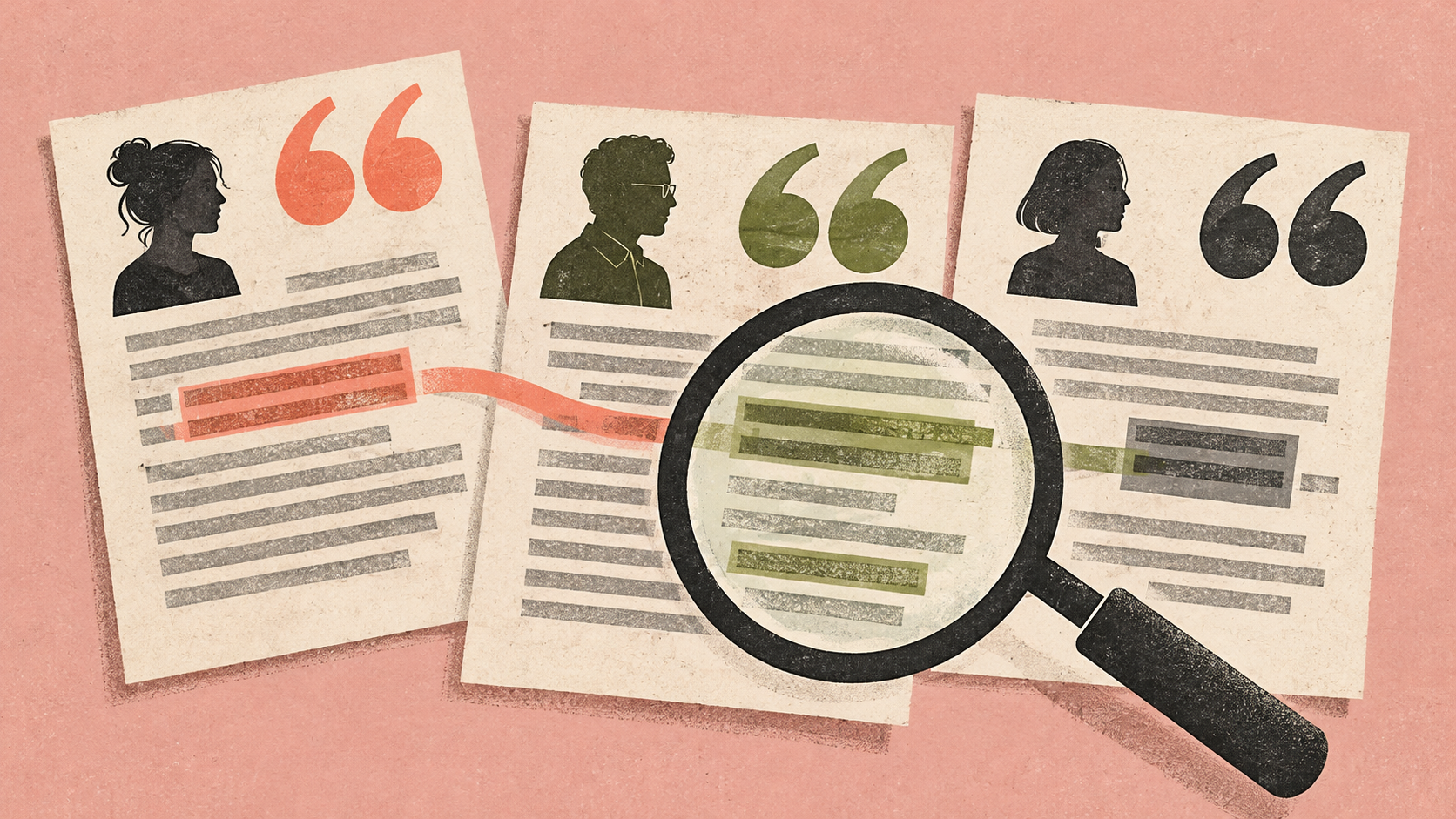
How to Analyze Interview Transcripts with Claude While Keeping the Evidence Intact
Confirm Claude’s input route, prepare reviewed interview text, preserve speakers and times, compare sources and verify themes without losing participant context.
-

How to Use ChatGPT for Audio Transcription and Transcript Summaries You Can Verify
Choose ChatGPT audio upload or Record, prepare a reviewed transcript, preserve speakers and times, split long text and verify summary claims against the source.
-

Public Transcription API Availability: What to Confirm Before Building an Integration
WhisperAITranscribe currently has no public API. Understand collaboration inquiries and plan source access, jobs, retries, output review and supported alternatives.
-
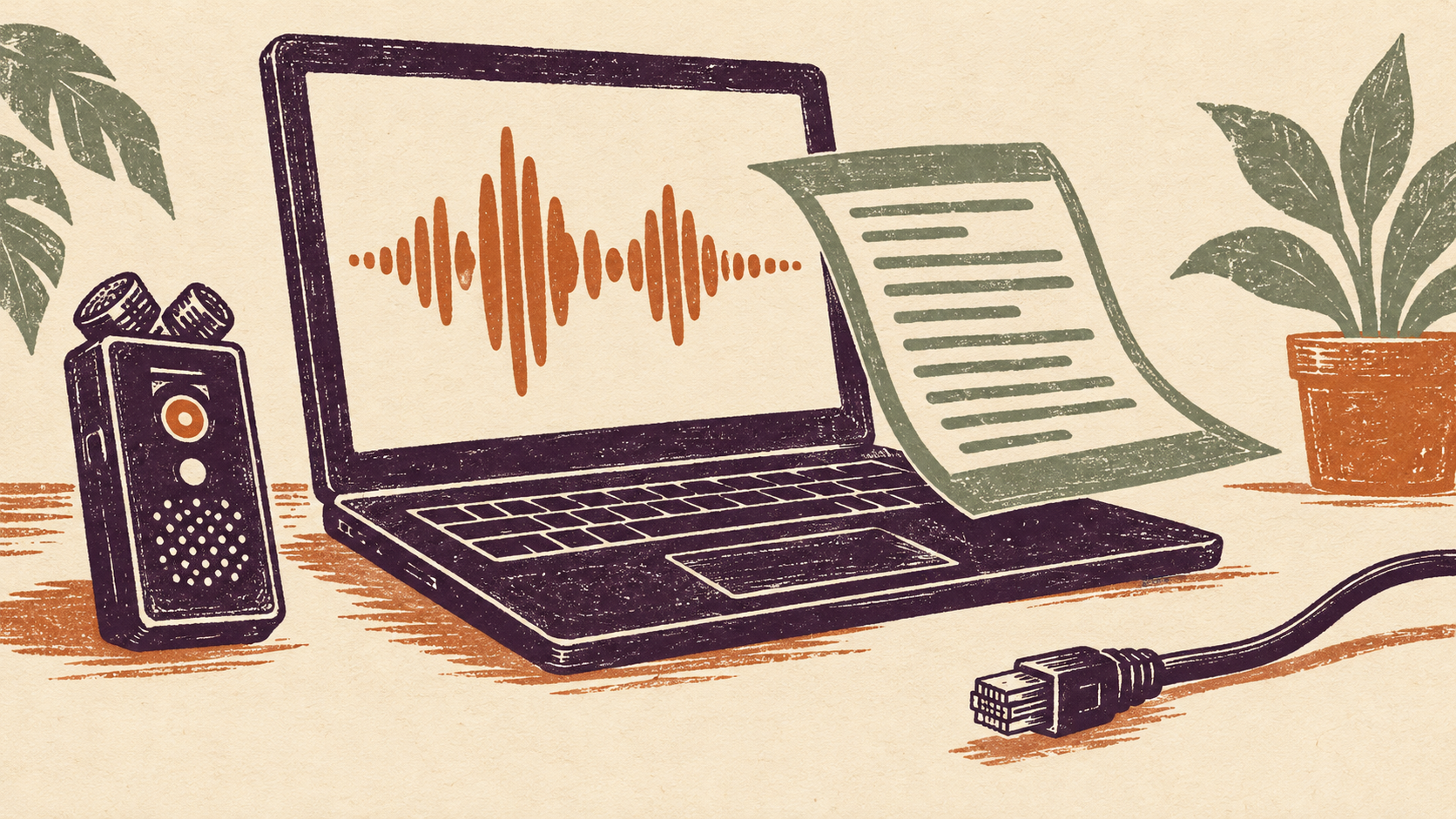
Can Transcription Run Entirely Offline? What Must Stay Local from Audio to Finished Text
Check local models, language assets, decoding, review and export before relying on offline transcription. Separate on-device recognition from cached interfaces.
-

Automatic Meeting Joining: What to Verify Before Relying on a Transcription Tool
Separate automatic joining from native recording and later transcription. Plan permissions, capture, source handoff and review before relying on a meeting record.
-

Can You Transcribe Private Media Links? Access Requirements, Failed Imports, and Practical Alternatives
Understand private viewing links, public URL inputs, authorized downloads and signed links, then choose a supported route for the correct recording.
-

How to Fix a Transcript with Too Many Short Lines While Preserving Meaning and Speaker Context
Diagnose wrapping, stored breaks, caption cues and speaker turns, then create a readable transcript without losing wording, attribution or timed sources.
-

How to Record Your Screen and Create a Transcript Without Losing the Sound or Visual Context
Choose the right screen and audio sources, verify a recording sample, then review speech, visual context and timing in a source-matched transcript.
-
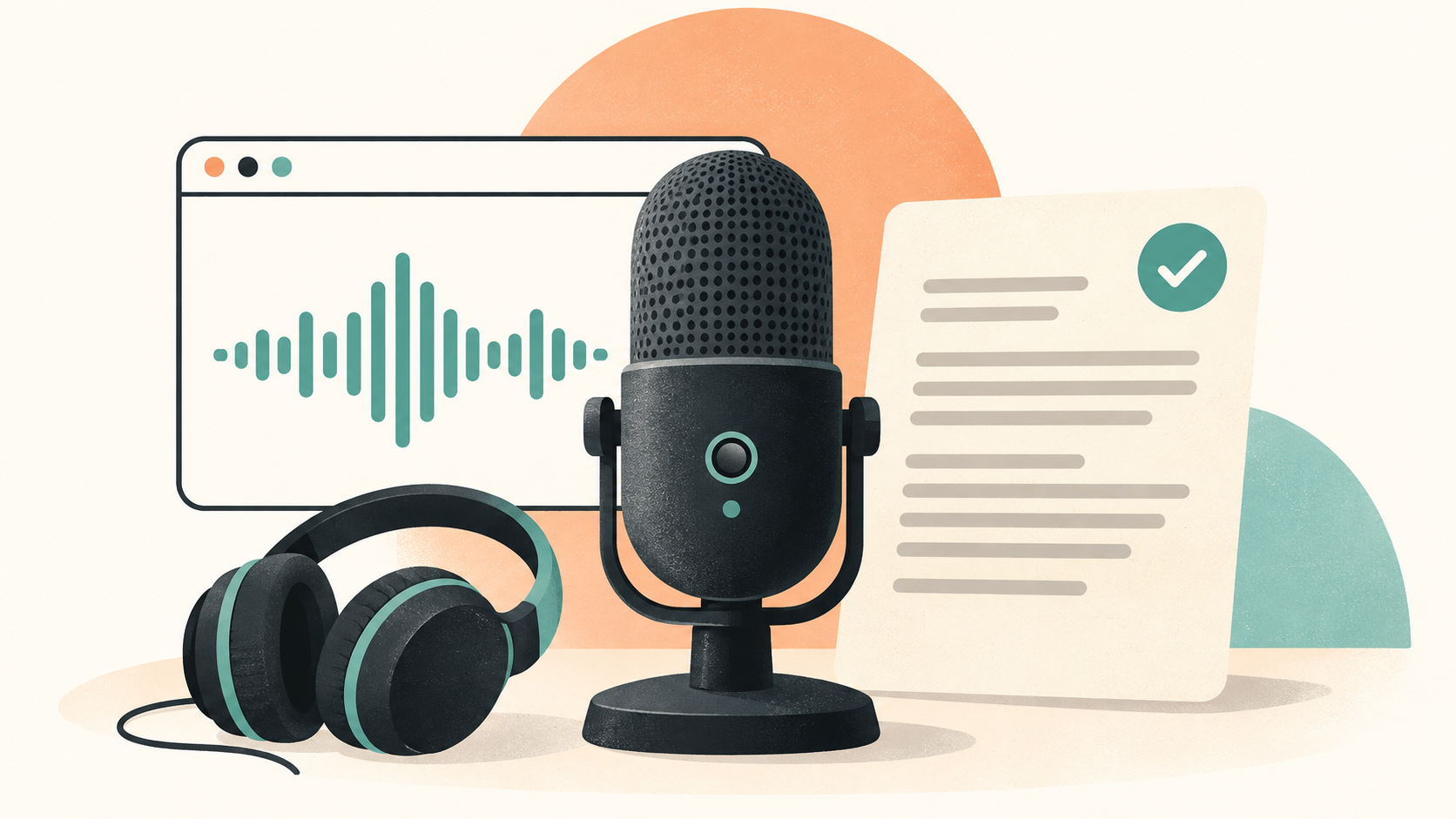
How to Record Speech in Your Browser and Turn It into a Transcript You Can Review
Record browser speech with a checked microphone, preserve the completed source, then review transcript coverage, speaker context and the final output.
-

How to Diagnose a Stalled Transcription Upload Before Re-uploading the Recording
Diagnose a stalled transcription upload by separating transfer, accepted jobs, processing and access, then make a controlled retry and verify the result.
-

How to Transcribe Audio or Video Larger Than the Upload Limit Without Losing the Recording
Prepare oversized recordings with checked audio extraction, conversion or segmentation, then preserve source positions, speaker continuity and complete coverage.
-
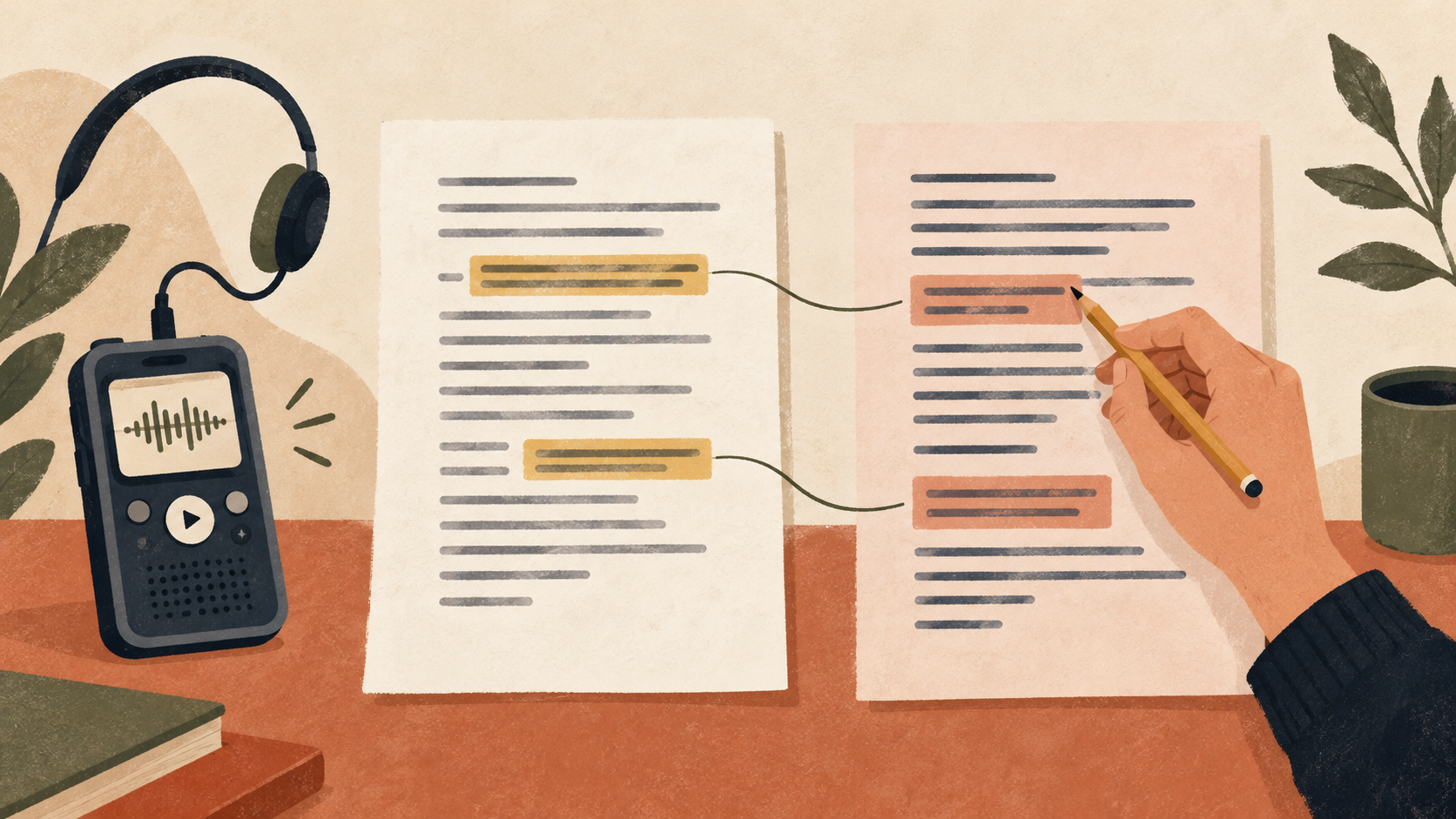
Transcription Then Translation: How to Create a Target-Language Transcript You Can Verify
Translate a reviewed transcript with clear source context, target-locale decisions, terminology checks, bilingual review and verified final formatting.
-

How to Create a Searchable Podcast Transcript That Leads Listeners Back to the Audio
Create a searchable podcast transcript with reviewed names, clear speaker turns, matching audio versions and tested reading or timed-text delivery.
-

How to Transcribe an Interview with Multiple Speakers
Transcribe multiple-speaker interviews with clear conventions, checked speaker names, preserved questions, reviewed quotations and traceable source versions.
-

How to Turn a Meeting Recording into Accurate Minutes
Turn a meeting recording into useful minutes by checking transcript coverage, decisions, action owners, deadlines, conditions and review status.
-

How to Use Speaker Labels and Review Speaker Errors
Use speaker labels with a recording-specific map, review overlap and attribution errors, and verify names before reusing transcript statements.
-

SRT vs VTT: Which Subtitle Format Should You Export?
Compare SRT and VTT by destination support, retained information and conversion loss, then choose and verify the subtitle export your project needs.
-

How to Create WebVTT Captions and Test Them in a Player
Create WebVTT captions, review timed cues and language labels, and diagnose file loading, track selection and display in the intended web player.
-

How to Generate and Review SRT Subtitles from a Video
Generate SRT subtitles from a video, review wording and cue timing, check line breaks and encoding, and test the exported track in its destination.